User guide
This section is the practical, click-by-click guide for VLIZ collection managers. It assumes you have an account and have already logged in.
If you're an Inuits engineer or integrator looking for the data model, schemas or the CSV format, head to Data model or CSV import instead.
What you'll find here
| Page | When to read it |
|---|---|
| Searching | You want to find an existing entity (a media, an album, a person, a partner…). |
| Filtering | You want to narrow a list down — e.g. "all media tagged Coastal Management from last year". |
| Uploading media | You have files to upload — from a single photo to a full campaign (see also CSV import). |
| Editing metadata | You opened an entity and want to change its title, add a relation, fix a date… |
| Creating an album | You want to group media records into an album. |
| Cookbook | "I just want to do X" — short recipes for the most common workflows. |
What the application looks like
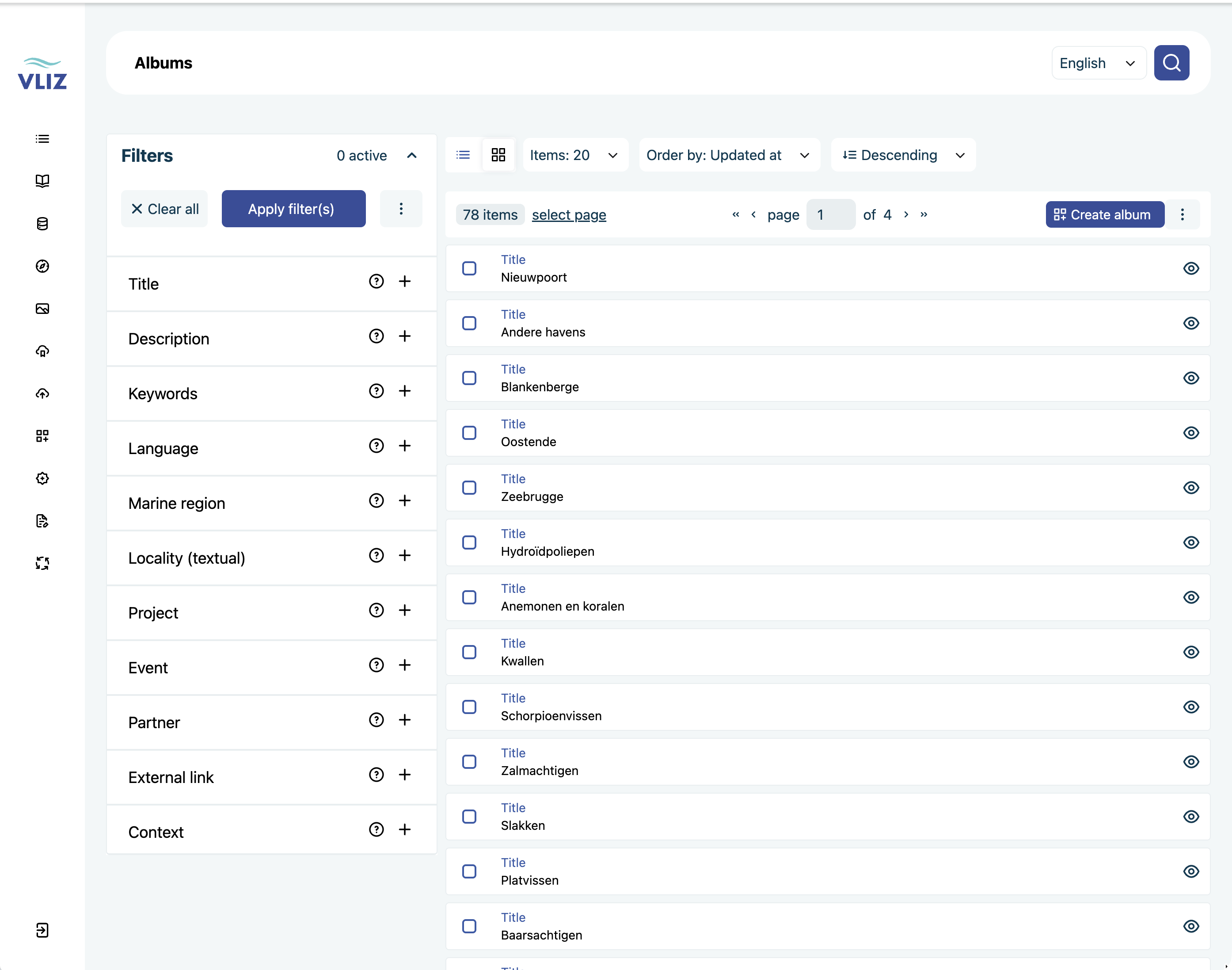
Screenshots on these pages were taken on the UAT environment, so the data you see will differ from production — the screens themselves are the same.
Conventions used on these pages
- Bold UI labels match the on-screen label exactly. If something on this page reads "click Save", look for a button literally labelled Save.
- Italic terms are concepts (entity, relation, context) — see the Data model for definitions.
- Code in
monospaceis either a literal value to type or a technical key (an internal field name).